
Contents
What Your Customers See
Add a menu item of type My Licenses for your customers (see the section called “Menu Item Types”). After logging in, they see each of their licenses with:
-
the product, its state, and Valid until its end date (or Lifetime), with a Renew link unless a Paddle subscription renews it or the product is custom (renew such a deal with a new payment link or invoice);
-
how many seats are used, such as 1 of 3 seats used;
-
each bound site, when it was bound, its status, and a button, or the date from which it can be released;
-
how many changes are left, until when changes are free, or when the next one becomes available, and when none are left.
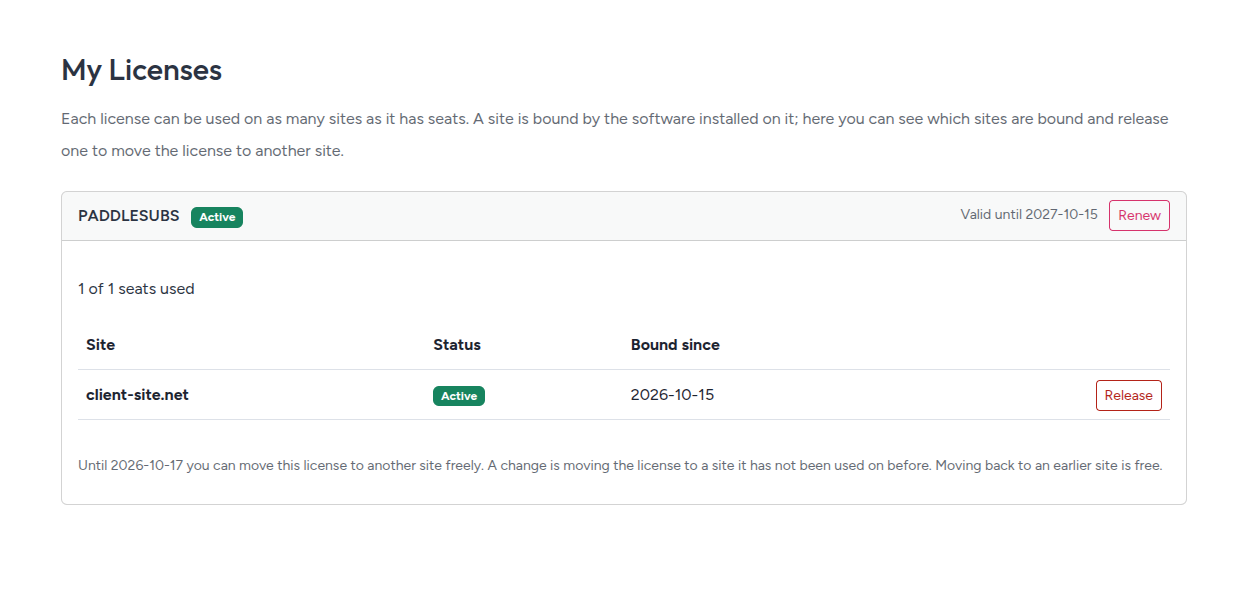
Releasing a site asks for confirmation first, because the software on it stops being licensed. Customers can't bind a site from this page: the software on the site does that.