
Contents
Chapter 2. Installation, Updates, and Support
Install PaddleSubs, connect it to your Paddle account, let Paddle tell your site about payments, set up the scheduled tasks, and go live. Then how to update, uninstall and get help.
Setting PaddleSubs up takes five steps, in this order. Do them all with a Paddle sandbox account first, so you can test without real money, then repeat the Paddle steps for your live account when you are ready to sell.
Installing
-
Download the package,
pkg_paddlesubs-. Don't unzip it.version.zip -
In the Joomla administrator, go to → → .
-
On the Upload Package File tab, drag the file onto the page or click and choose it.
Figure 2.1. Uploading the package in Joomla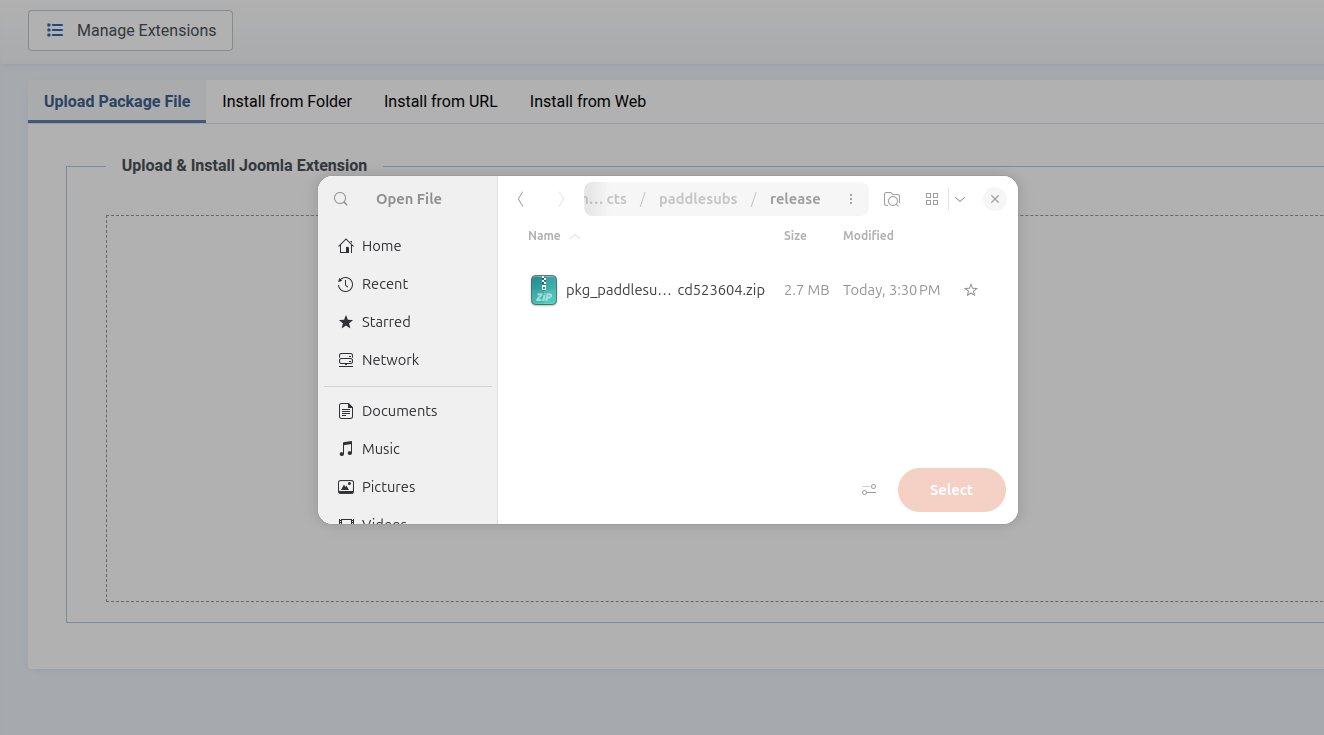
-
Wait for the message that the package was installed. Joomla checks that your site has PHP 8.2 and Joomla 5.4 or newer, and refuses to install if it doesn't.
The installer enables the three dashboard modules and every plugin, creates an Uncategorised product category, and adds the PaddleSubs email templates to Joomla's Mail Templates. Nothing is sent to Paddle yet.
Important
Before you sell, check that the plugins are enabled: in
→ → ,
search for PaddleSubs. The three Task -
PaddleSubs plugins must be enabled: without them there are no PaddleSubs scheduled tasks,
and no purchase reaches a customer's account. The installer enables them only on a first install, so a
plugin someone disabled stays disabled after an update. The Content -
PaddleSubs plugins and Web Services - PaddleSubs can be
disabled if you don't use them; keep System - PaddleSubs enabled, or
new buyers aren't signed in after paying, and Installer - PaddleSubs,
or paddlesubs.com refuses your updates; Chapter 12, Included Extensions describes each. Until the task
plugins are enabled and their tasks are added, every PaddleSubs page and the dashboard warn
Some of PaddleSubs' work can't run on this site, with a link for each
one; see Q: .
A new menu, → , leads to every PaddleSubs page.